Touchscreen Gloves — Tactical Models with Touchscreen Fingertips
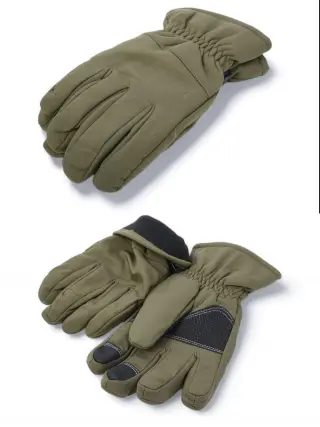
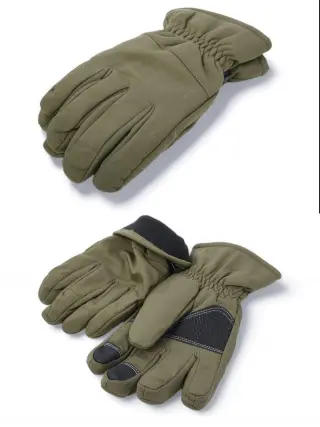
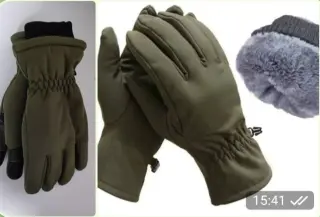
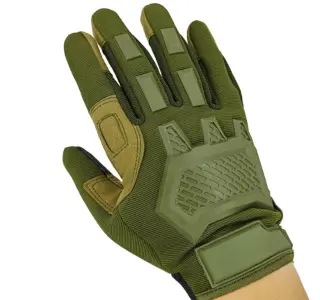
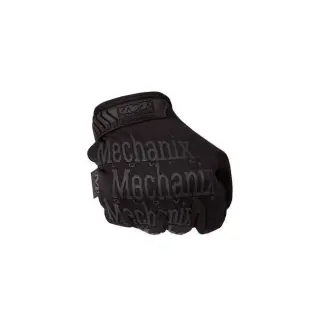
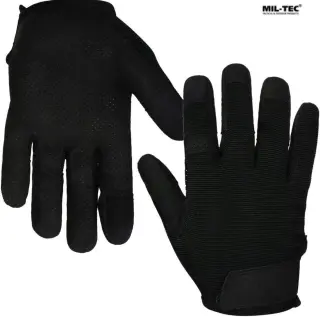
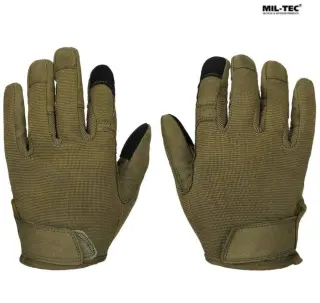
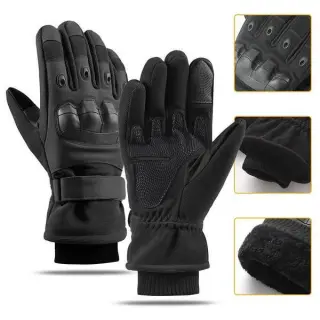
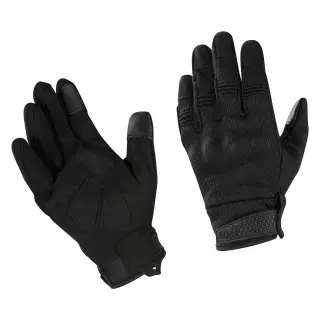
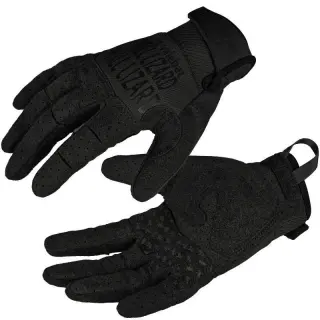
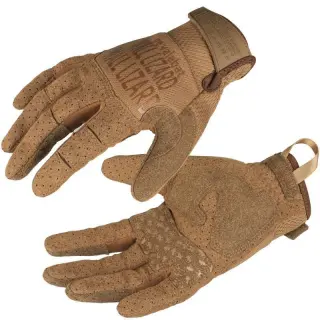
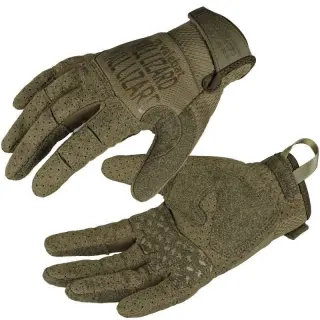
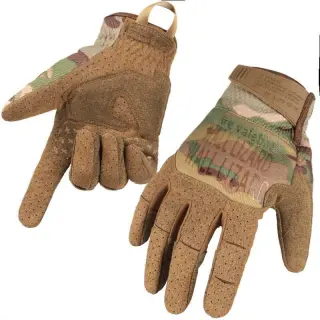
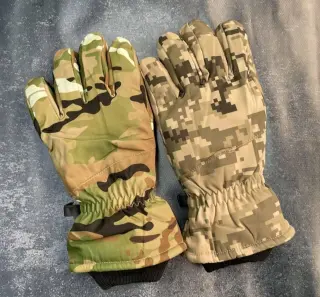
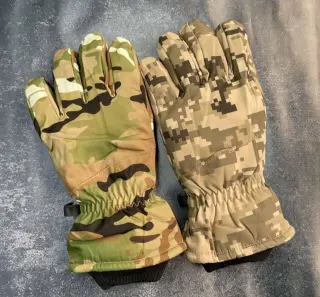
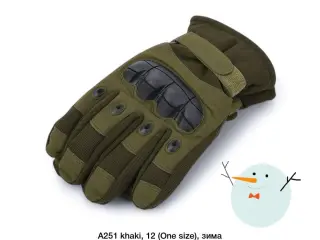
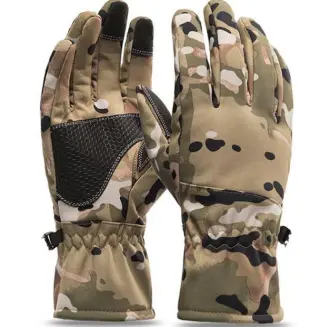
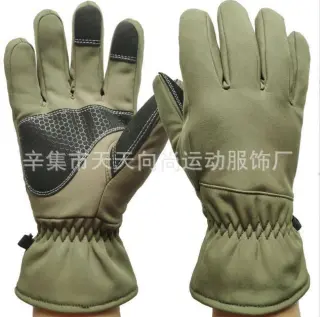
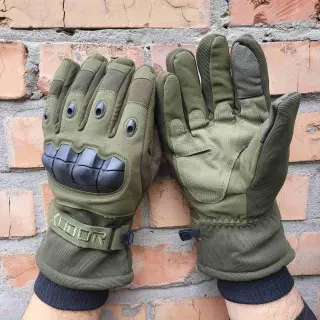
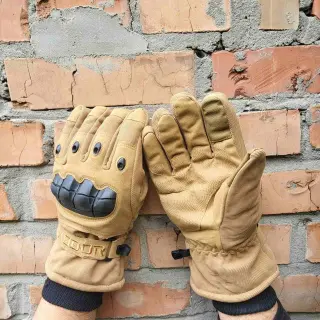







Touchscreen gloves for duty and everyday tasks
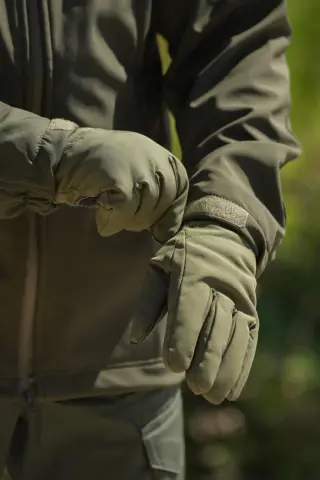
Tactical gloves with touchscreen fingertips are made for people who constantly handle a smartphone, tablet or navigator and don't want to bare their hand every time: on guard duty, behind the wheel, while working with a map or radio. A glove you take off is easy to lose, and bare hands quickly lose feeling in the wind. A touchscreen insert on the fingertips lets you answer a call, scroll a map or tap a button in an app without taking the glove off. If this feature isn't essential for you, take a look at all tactical gloves.
How touchscreen fingertips work and what to expect from them
A capacitive screen responds to conductive material, so special inserts are sewn or applied to the fingertips of the glove. They transmit touch, but the accuracy is lower than with a bare finger: typing long messages is awkward, and small buttons sometimes have to be pressed more than once. For answering a call, unlocking, switching a mode or zooming a map, this is usually enough.
How well the screen responds depends on conditions. A wet screen or damp glove, thick protective glass, or dirt and grease on the insert can reduce the response or block it entirely. Touchscreen gloves are a convenience, not a guarantee that the screen will always respond, so for important actions keep a backup option: a stylus or the habit of quickly taking off one glove.
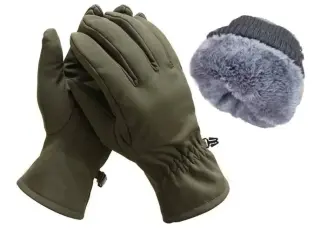
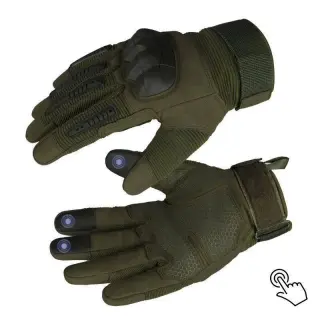
The number and placement of inserts differ between models. For example, the description of the winter olive-colored softshell gloves with fur lists pads on three fingers and the A30 description on the index finger and thumb, while for many other models only the presence of a sensor is stated, without details. If it matters to you to operate your phone with a particular finger, check this before buying.
Why size matters more than it seems
The insert only works when it fits snugly against the fingertip pad. If the glove is too large, the fingertip stays empty, the fabric bends, and the screen receives the touch from the edge of the insert or doesn't receive it at all. That's why choosing touchscreen gloves a size up "for room" is a typical mistake that makes the very feature you bought them for simply not work.
Close-fitting models with an elastic cuff hold the insert in place better than loose ones. If you are between two sizes, try on both and immediately check on your own phone how the screen responds in each. The A5 model description lists one universal size with adjustment: this is convenient, but wrist adjustment does not make the fit on the fingers any snugger.
Summer or winter: how insulation affects the touchscreen
Summer and mid-season touchscreen gloves are thinner, so your finger senses the screen better and the touch is more precise. They are convenient to wear while driving, shooting or working with equipment, but summer models offer weak protection from wind and moisture.
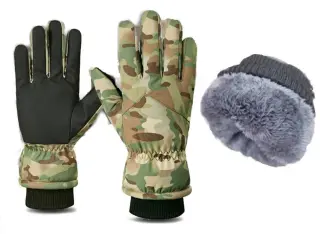
Winter models made of softshell or coated nylon, with fur or fleece, are warmer, but the thick layer between your finger and the insert reduces accuracy, and you feel less clearly where exactly you pressed. For fur-lined coated nylon gloves, the description lists water-repellent fabric and palm pads for better grip, but in a thick glove the touchscreen still responds less precisely. If you use your phone often and the cold is moderate, consider a mid-season fleece-lined or neoprene pair.
One more nuance is wear. The fingertip inserts are the first to rub against weapons, straps and tools, and once the surface wears off, the screen starts to respond only intermittently. The touchscreen function can last less than the glove itself, so those who work a lot with their hands should keep a second pair.
Frequently asked questions
Will touchscreen gloves work with any phone?
In most cases yes, provided the device has a capacitive screen, as most modern smartphones and tablets do. However, thick protective glass, a film or moisture can weaken the response. Test the gloves on your phone right after purchase.
What should I do if the screen has stopped responding?
First check that the screen and the glove fingertips are dry, and wipe dirt off the insert. Then make sure the glove fits snugly on the finger and has no empty space at the tip. If the insert is visibly worn, it is unlikely that its sensitivity can be restored.
Are tactical gloves with touchscreen fingertips suitable for shooting?
Thin close-fitting models are suitable: they preserve trigger feel and don't interfere with grip. Thick winter gloves with fur are less convenient for precise movements, so for shooting it is worth trying them on first with your own weapon.